
Documentation / Understand results
Read results and diagnostics
Analytics compares variants against the selected goal and reports whether the data supports a decision.
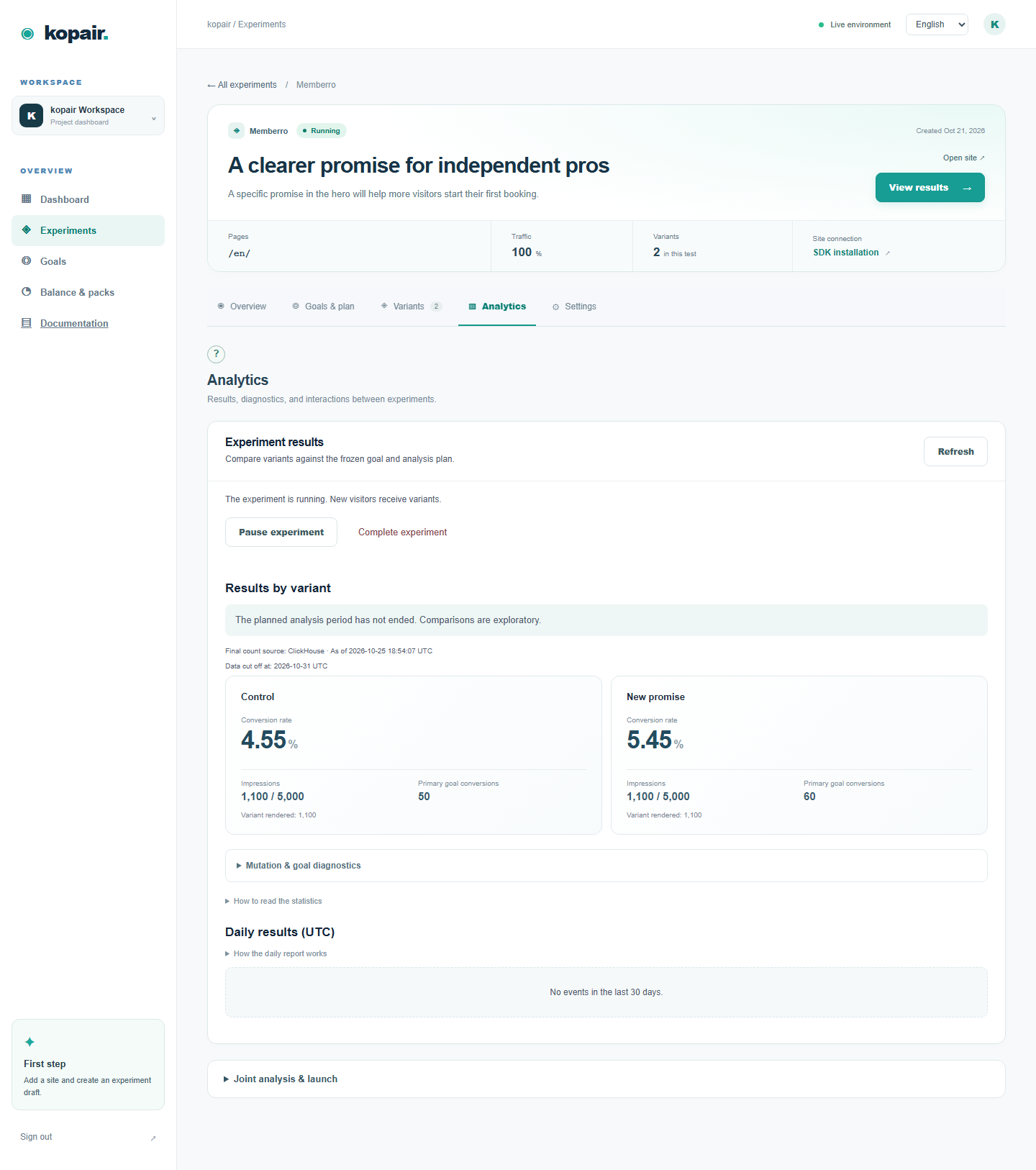
Step by step
- Read impressions, goal reach, conversion rate and uplift together. Use the Primary goal for the planned decision and Secondary goals for context.
- Check the analysis status, horizon, sample requirement, delivery completeness and SRM warnings before interpreting significance. A high conversion rate alone does not identify a winner.
- Expand the daily report to distinguish event dates from visitor-cohort conversion. Recent cohorts may still be immature. Use technical diagnostics to inspect skipped rules and click-goal matching.
A Shopify CTA can attract more clicks while producing no proven increase in paid orders. A Tilda thank-you goal measures reaching that page, not independently verified lead quality.
How to verify
If there are no results, check consent, audience, running status and actual goal completion first. Reports can lag accepted events. Do not treat missing delivery or an invalid test as zero effect.