
Documentation / Build and launch
Experiments and launch
Prepare a hypothesis and a fixed comparison before enrolling real visitors.
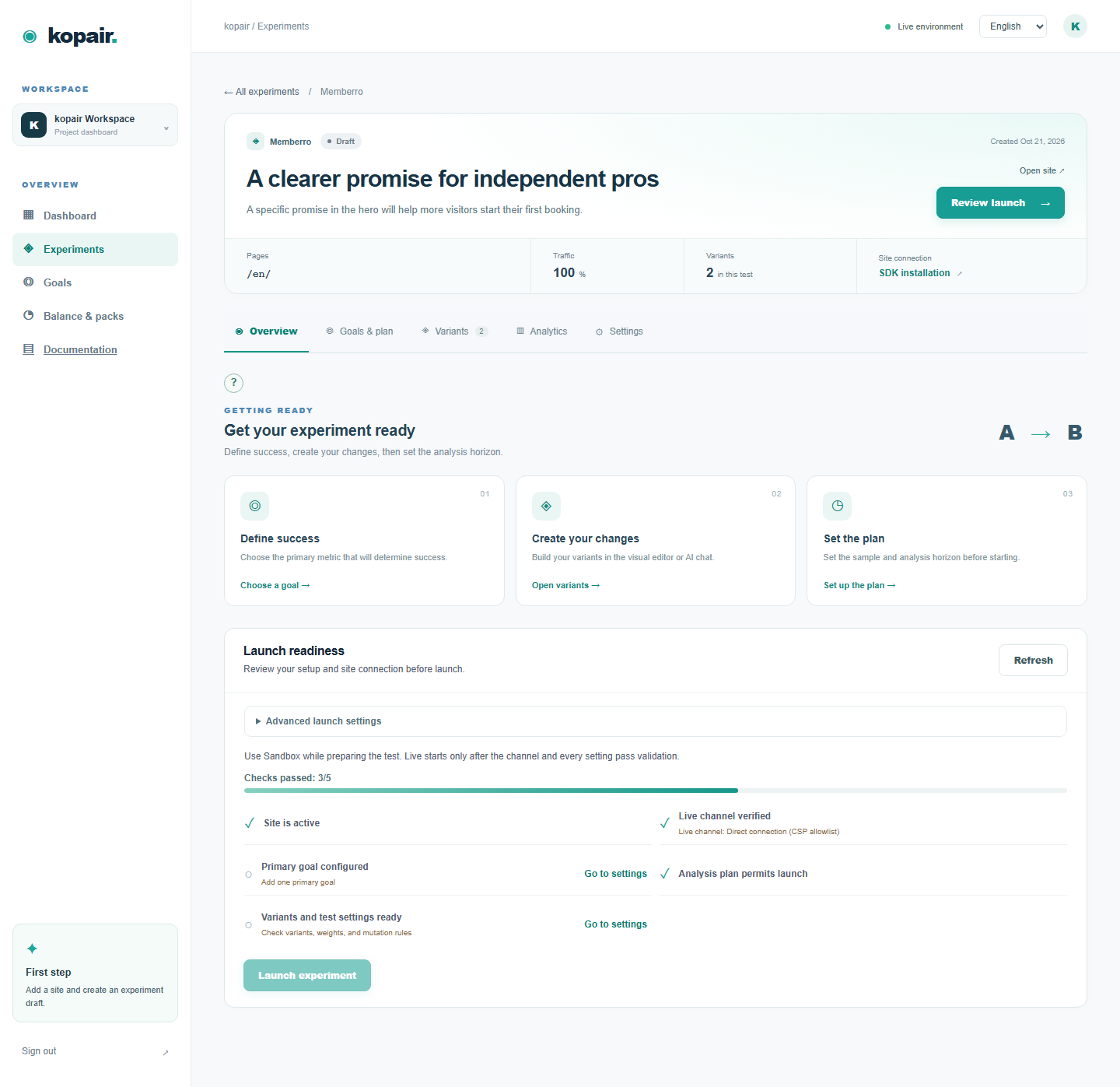
Step by step
- Create a draft with a site, page prefix, traffic share and selected site goals. Write the expected change and the reason it may affect the Primary goal.
- Prepare Control and an alternative, review variant weights, then set baseline conversion, minimum detectable effect and analysis end in Goals & plan.
- Use Overview → launch checklist. Resolve goal, variant, plan and channel blockers. Launch only after reviewing the public page.
- Pause stops collection; resuming does not move the calendar horizon. Completing early does not create a statistically valid winner. For a registered pair, use the joint controls.
Shopify product page: change only the CTA copy first. Keep pricing and shipping the same while testing the hypothesis. If you change the template during the run, check whether the saved selector still identifies the same element.
How to verify
Check target pages, consent, SDK signal, variant preview and a real goal. The list progress bars show time and collected sample, not proof of a winner.