YOUR NEXT EXPERIMENT STARTS HERE

A website idea.
A new variant.
Real answers.

Tell AI what to change. Shape the result on your actual page. Then test it against the original and measure what converts.

No signup. No script to install. Your live site stays unchanged.

Already exploring? Open your workspace ↗
ONE IDEA. TWO POSSIBILITIES.
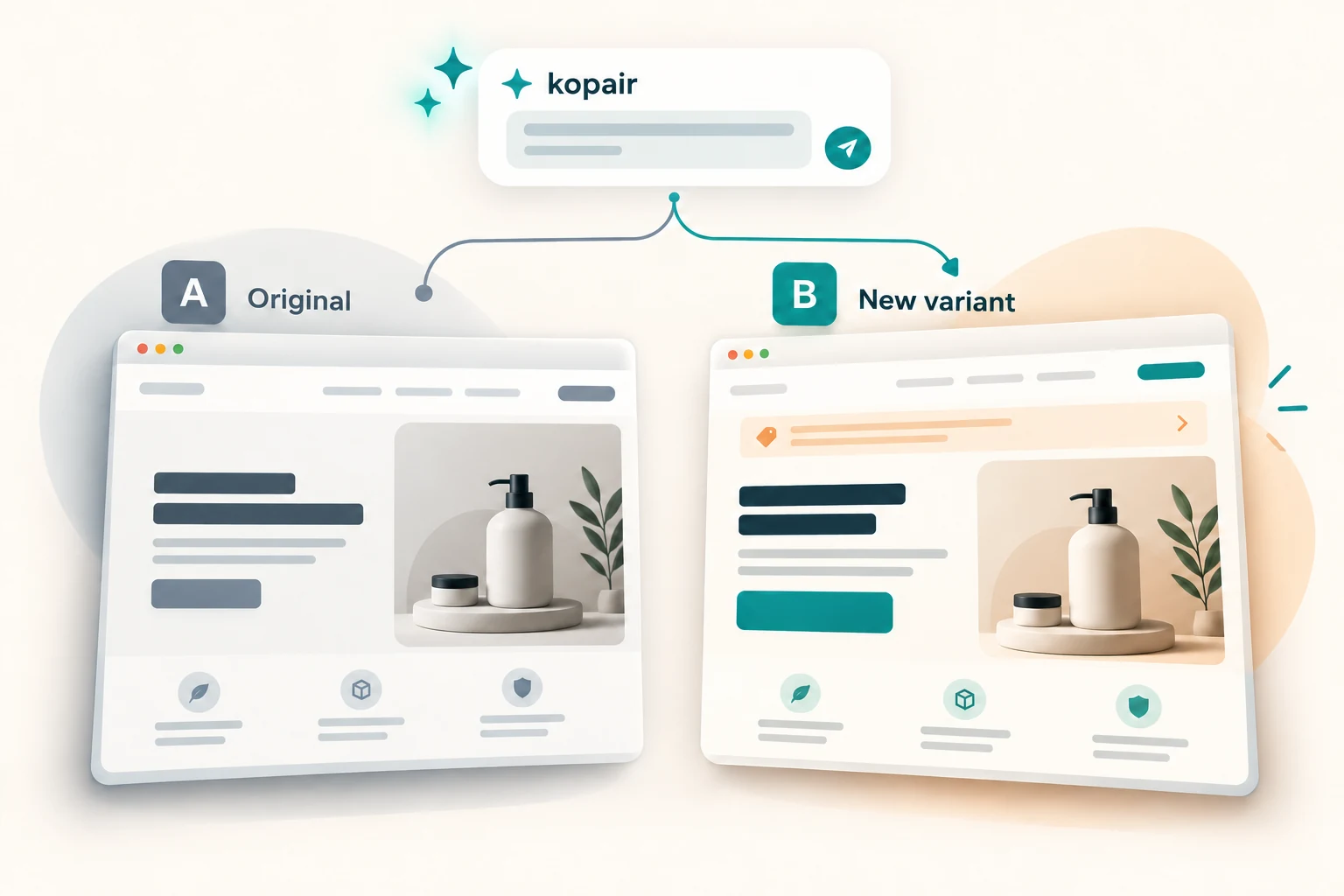
Illustration: AI creates a new B variant alongside the original A page
Create the possibility. Let a real experiment measure the effect.
AI chat + visual controlsSandbox + Live editorGoals + statistical analysisRevisions + undo

FROM “WHAT IF” TO “WHAT WORKS”

A clear path from idea to evidence.

Explore first. Set up and launch when you are ready. Keep the original as your reference at every step.

Illustrative workflow: explore a page, create changes, compare A and B, measure a conversion goal
  1. 01 / SANDBOX

    Bring your page

    Enter a public HTTPS URL. Explore your real layout without installing kopair.

  2. 02 / CREATE

    Say what should change

    Rewrite copy, adjust styles, add a banner or move a block. Refine it in chat or use visual controls.

  3. 03 / COMPARE

    Keep A and B distinct

    A is your unchanged original. B is the new variant you shape. Switch views and undo freely.

  4. 04 / EXPERIMENT

    Launch with a goal

    Sign in, configure goals and your analysis plan, install the SDK, then collect real experiment data.

A PRACTICAL EXPERIMENTATION WORKSPACE

More room for ideas. More control over the result.

An agent you can work with

Ask for changes in a conversation, keep the suggestions you want, and tune CSS inside each change. The agent uses the selected element and its style context.

Rewrite this heading for enterprise CTOs.A new version to explore. You stay in control.

One editor, two ways to explore

Use Sandbox before installing the script, then edit directly on your connected website in Live. The same selection, chat and change controls work in both.

SandboxLive

A way back from every idea

Toggle individual mutations, compare with the original, undo and redo your work. In your workspace, saved revisions let you restore earlier variant states.

Revision 1 · Original ideaRevision 2 · New headlineRevision 3 · Your next direction

Success means your goal

Manage reusable, versioned goals: a destination URL, an element click or a custom event. Choose primary and secondary goals for each experiment.

Signup completeStart trial clickCustom event

EVIDENCE BEFORE A DECISION

Know what changed. Know when to decide.

Set a baseline conversion rate, minimum effect and evaluation period before launch. Follow data collection and evaluate the result with a fixed-horizon statistical test.

  • Visitor progress and experiment timelines
  • Conversion cohorts and allocation checks
  • Joint analysis for a pair of overlapping experiments
Explore your workspace →

ROOM FOR YOUR NEXT EXPERIMENT

Start free. Grow at your pace.

Buy experiment participations when you need them. No monthly commitment. Unused participations never expire.

Loading packs…

When credits run out, experiments pause automatically. A top-up resumes eligible tests; manual pauses stay in place.

USD, taxes excluded. Choose a pack to request a purchase in your workspace. We’ll contact you by email; no automatic charge.

One visitor. One test. One participation.

Repeat views in the same test are free. A visitor in three tests uses three participations. Both control and changed variants count. Sandbox and previews are free.

Counted by allocation ID (cookie, user ID or IP). Admission counts even if a change cannot be applied. A pack does not guarantee a conclusive experiment.

How much might you use?

Estimate assumes the same reach for each test. Visitors must reach its pages and meet targeting. Repeat participants across periods are not charged again.

LESS IMAGINING. MORE EXPLORING.

What would you change on your website?

Try your idea in a private preview. Your visitors will keep seeing the original site.

No signup. No script to install. Your live site stays unchanged.

FAQ

Before you try it.

Is this editing my live website?

No. The public demo runs your page in a separate Sandbox. A is the original view and B contains your preview changes. No visitors are assigned, and no experiment or conversion result is created.

What can I do without an account?

Explore a public HTTPS page, select elements, chat with AI, edit styles and compare the original with your new variant. A demo lasts 10 minutes and includes up to 5 AI requests. Changes are temporary; sign in to set up and run an experiment.

Will every website open?

Some sites block automated browsers or require authentication. Use a public HTTPS page. If it cannot open, try another page; the demo cannot access private network addresses or signed-in pages.

What is needed to run a real experiment?

Sign in, add your site, select goals, prepare variants and set an analysis plan. Install the kopair script and configure your site's connection policy or first-party proxy before launching.

How are results evaluated?

kopair uses a fixed-horizon statistical test with a sample-size plan, confidence intervals and allocation checks. An attractive preview is an idea to test; conversion evidence comes from actual experiment traffic.